
One source of truth
A single version-controlled .rogatio.json describes every group and rule, so changes
are reviewable, diffable, and revertible like any other code.
Rogatio is a local-first tool for creating, reviewing, and running browser request and
response rules. It replaces a handful of ad-hoc Requestly workflows with one
version-controlled .rogatio.json file, a CLI, and a Chrome extension. The repository
file is canonical — moving changes between it and the browser requires an explicit import
or export.
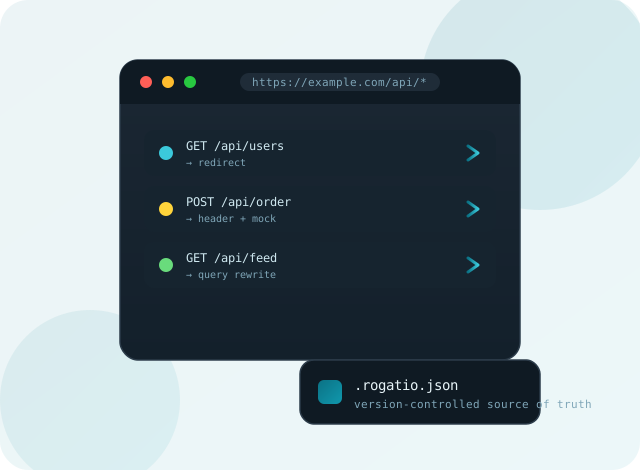
One source of truth
A single version-controlled .rogatio.json describes every group and rule, so changes
are reviewable, diffable, and revertible like any other code.
Runs in the browser
Redirect, query, header, and mock rules execute entirely in Chrome — no proxy, no server, no round trips to a third party.
Local runtime, on demand
Response- and request-body rules use a device-local runtime that activates only when you explicitly start and connect it.
Safe by default
No accounts, hosted runtime, cloud sync, telemetry, or retained traffic history. Your traffic stays on your machine.
Test before you save
Dry-run any rule against a bounded batch of URLs offline to preview redirects and rewritten queries before committing.
Auditable & diffable
Because rules live in your repo, every change ships through the same pull request and review flow as the rest of your code.
# Install the CLI (requires Node 24+)npm install -g @drmaas/rogatio
# Open the visual editor and edit .rogatio.jsonrogatio edit
# Validate the project filerogatio verify
# Start the local runtime for body-rewriting rulesrogatio runtime